
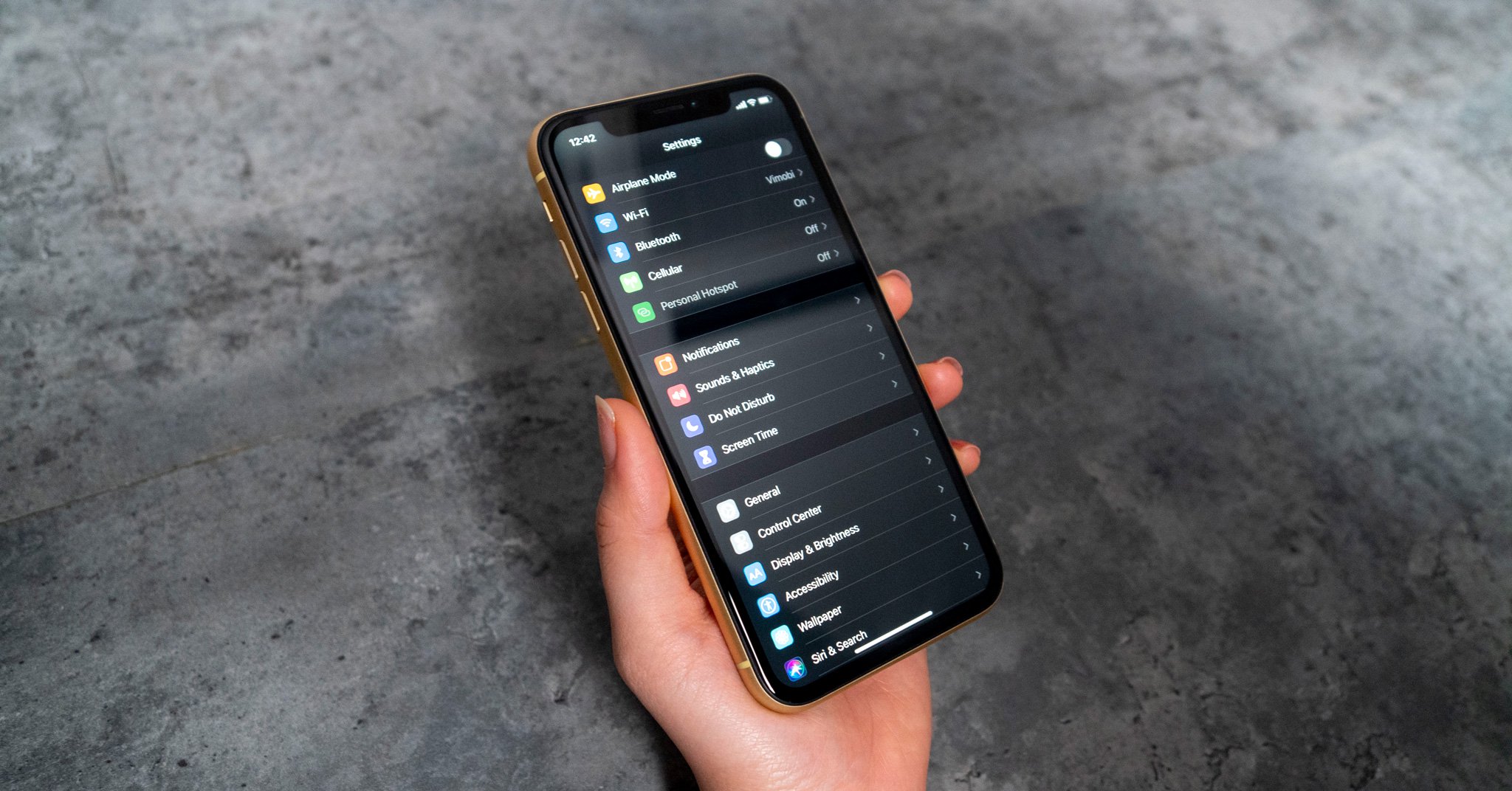
 iOS 13 GM (Gold Master), đang băn khoăn không biết làm sao để thoát khỏi trình GM / beta để lên chính thức. Mình hướng dẫn cho anh em cách hạ cấp để sẵn sàng update lên bản mới, dù đây là thủ thuật cơ bản:
Lưu ý: iPadOS phải đợi đến 30/9 mới có cập nhật chính thức.
Ban đầu hãy backup dữ liệu trước khi về, lỡ có bị trục trặc gì lại "thốn" vì mất dữ liệu.
- Vào Cài đặt (Settings) - Apple ID (tên bạn) - iCloud - Đồng bộ hoá iCloud (iCloud Backup)
- iPhone XS
- iPhone XS Max
- iPhone XR
- iPhone X
- iPhone 8 and iPhone 7
- iPhone 8 Plus and iPhone 7 Plus
- iPhone SE and iPhone 5s
- iPhone 6s and iPhone 6
- iPhone 6s Plus and iPhone 6 Plus
- iPad Pro (11-inch), iPad Pro (12.9-inch) (Đời 3)
- iPad Pro 10.5 and iPad Pro 12.9 (Đời 2)
- iPad 5 and iPad 6
- iPad mini 5 and iPad Air 3
- iPad mini 4, iPad Air 2, iPad mini 3
- iPad Pro 9.7-inch
- iPad Pro 12.9 (Đời 1)
- iPad Air and iPad mini 2
- iPod touch 6
- iPod touch 7

Chọn vào biểu tượng iPhone hiển thị trên iTunes. Nhấn Shift nút Restore iPhone (với Windows), nhấn Command nút Restore iPhone (với macOS).
Chúc anh em làm thành công!


